
1
Paripesa registration made easy for Ghana players
Paripesa registration in Ghana gives you access to sports betting and online casino games in one place. After you sign up, you can deposit, place bets, and withdraw your winnings in GHS. You can choose how to register: by phone number, one‑click, email, or social media. A 100% first deposit bonus is available once your new account is created and funded.
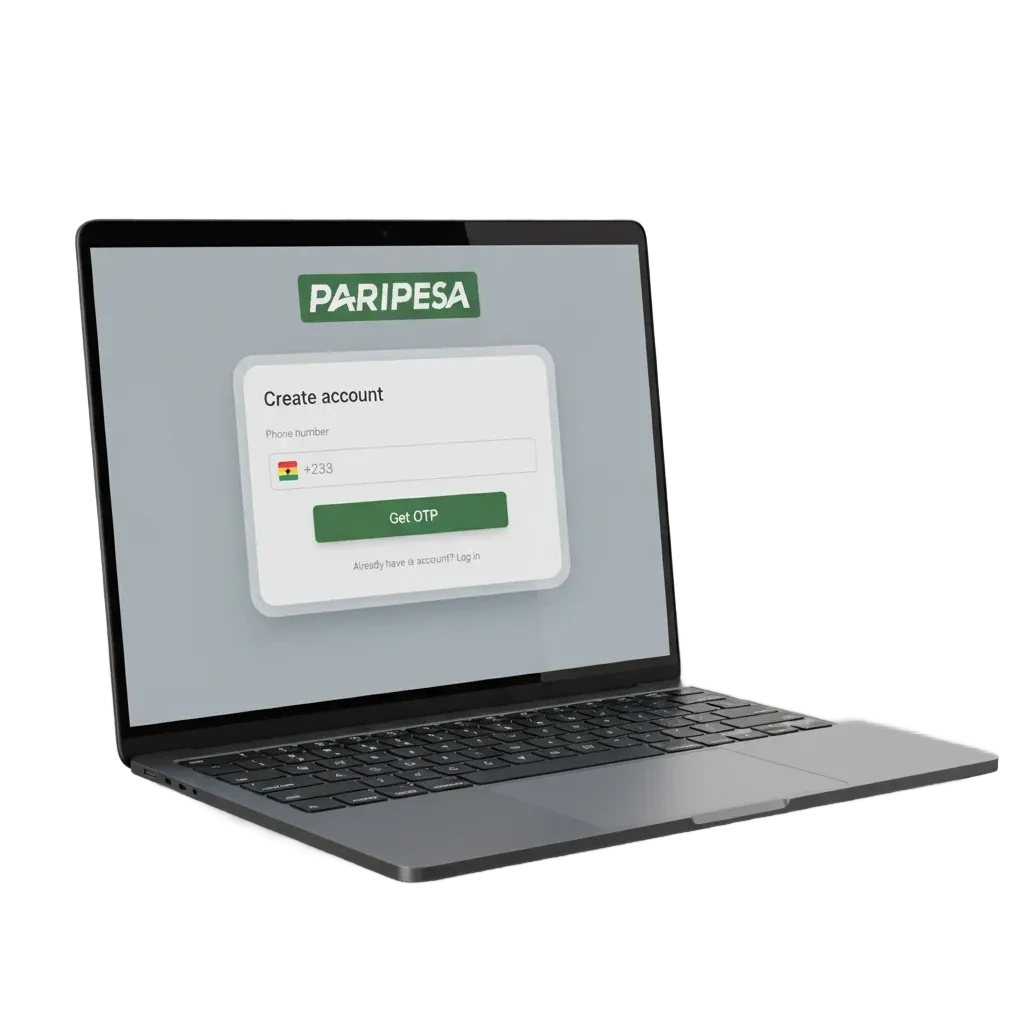
All the ways to sign up: choose how you want to create your account
You can Paripesa register online using the method that suits you. Pick a quick option or add more details during sign up.
- By Phone Number
- By Email
- Via Social Media (Google, Facebook, Apple)
- One‑click
By Phone Number
This method is fast and uses your Ghana number for sign in and security. You confirm by SMS code.
- Click Register and choose Phone.
- Select Ghana as your country and enter your mobile number.
- Set a strong password and choose GHS as currency.
- Enter a promo code if you have one and accept the terms.
- Enter the SMS code sent to your number to finish.
By Email
This method suits users who prefer email access. You verify through a link in your inbox.
- Click Register and choose Email.
- Fill in your email, create a password, and add basic personal details.
- Pick GHS as currency and accept the terms.
- Open the email you receive and click the verification link.
Via Social Media
You can sign up using Google, Facebook, or Apple. It saves time and pulls basic info from your profile.
- Click Register and choose your social network.
- Approve the connection to share your name and email.
- Set a password if prompted and choose GHS.
- Confirm your phone or email if asked.
One‑click
This is the fastest way to start. You get an instant login ID and can complete your profile later.
- Click Register and choose One‑click.
- Select Ghana and set GHS as currency.
- Save the generated login and password shown on screen.
- Add your details and verify before your first withdrawal.
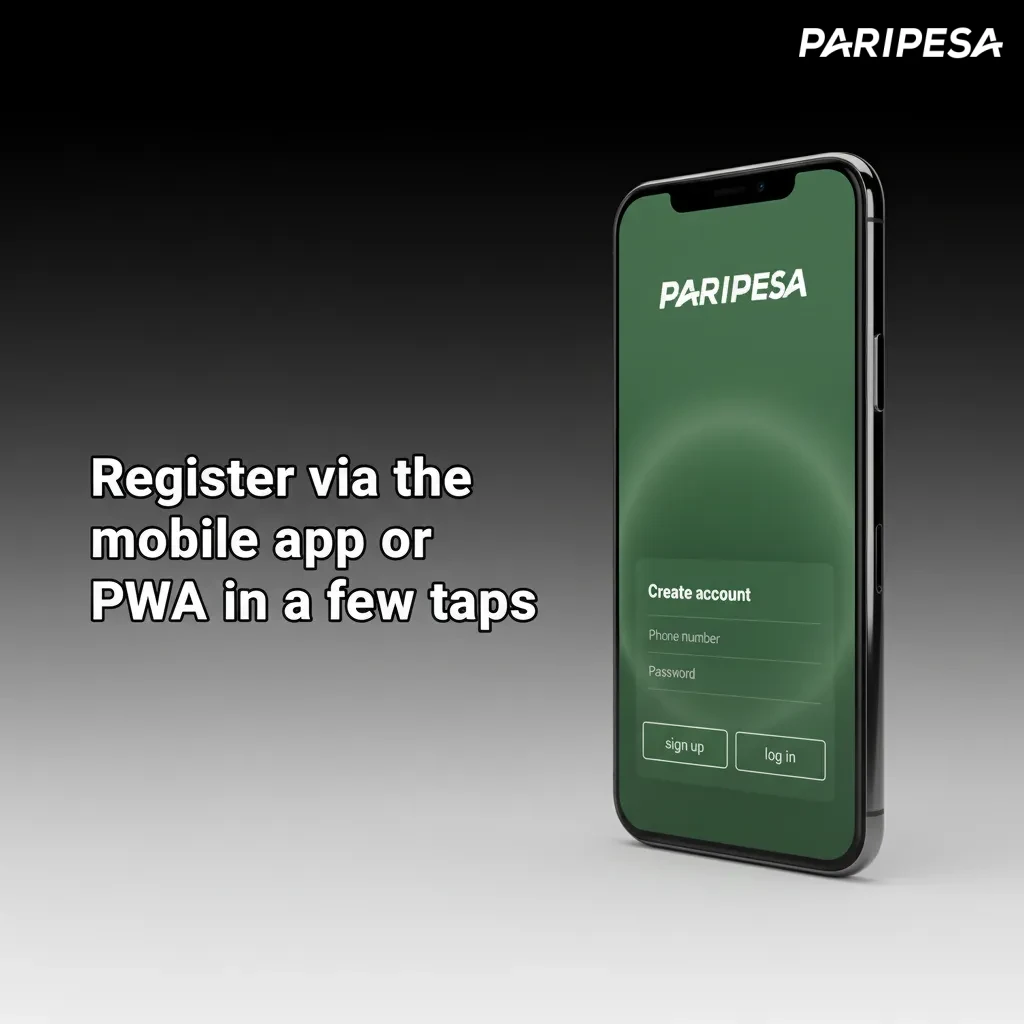
Register via the mobile app or PWA in a few taps
You can sign up on the Paripesa mobile app for Android or use the mobile site and add it to Home Screen (PWA) on iOS. The flow mirrors the site but is tuned for smaller screens.
- Download & Install: get the Paripesa app from the site (Android APK) or add the mobile site to Home Screen on iOS.
- Open App: tap Register on the home screen.
- Choose Method: phone, email, social, or one‑click in a single step.
- Fill Details: set password, pick GHS, accept terms.
- Confirm: verify by SMS or email and sign in.
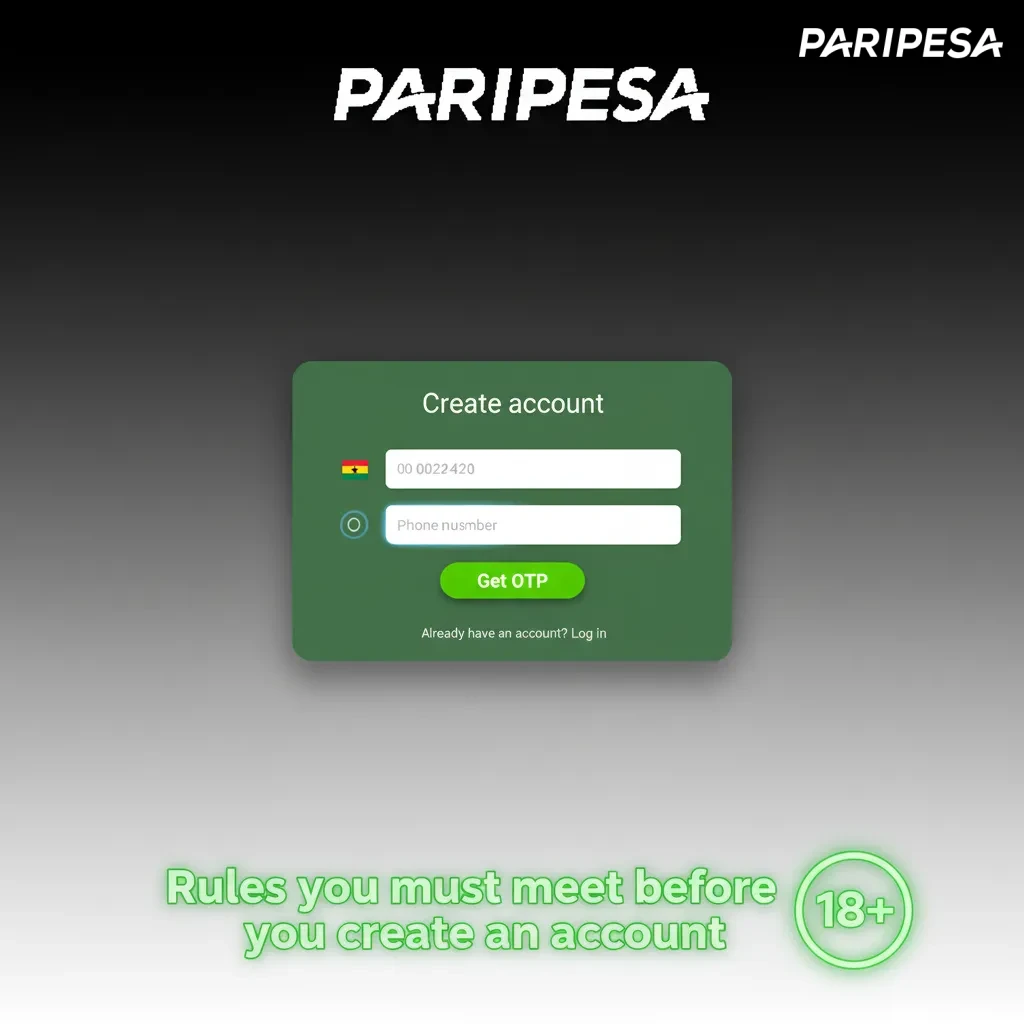
Rules you must meet before you create an account
You must meet local laws and site policies before you create a new account. Only legal‑age users can register and bet for real money. Accurate personal details are required for payments and safety. KYC checks protect your funds and help keep the platform secure.
- Age: you must be 18+ under Ghana law.
- One account: only one account per person, device, and address.
- True details: provide your legal name, date of birth, and contact info that match your ID.
- Location and legality: access the site where gambling is legal and follow local rules.
- KYC and terms: agree to the Terms and Privacy Policy and complete verification when asked.
How to sign in after you register
You can sign in anytime from the website or app. Use the same method you used during Paripesa sign up.
2
Enter your phone/email/login ID and password, then proceed.
3
If you used social sign in, choose the provider and approve.
4
Tap Sign in to access your account dashboard.
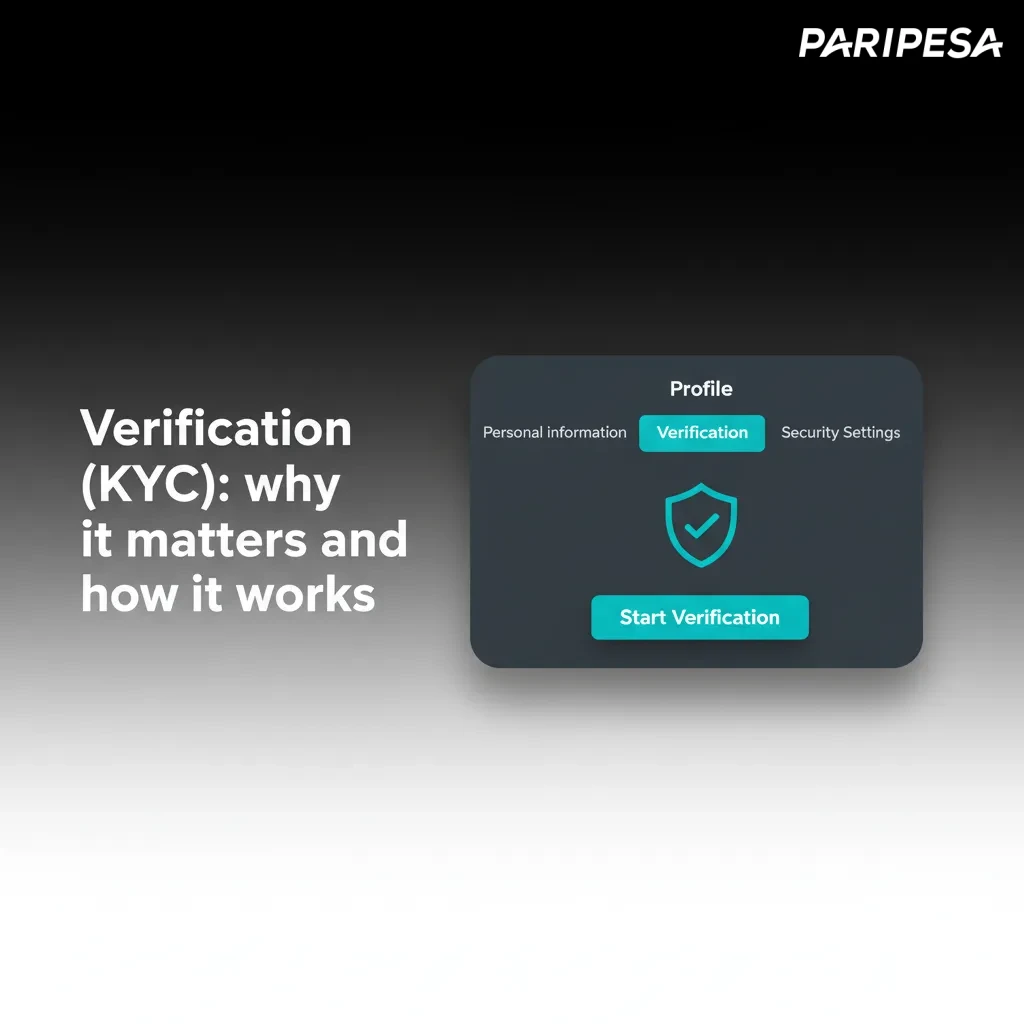
Verification (KYC): why it matters and how it works
Verification confirms your identity and protects your account. It also gives you access to withdrawals and higher limits. The process is secure and handled by trained staff.
- Complete Profile: add full name, date of birth, and address.
- Confirm Contacts: verify your phone by SMS and your email by link.
- Prove Identity: upload a valid Ghana Card, passport, or driver’s licence, plus a selfie if requested.
- Address Check: provide a recent utility bill or bank statement that shows your name and address.
- Payment Review: confirm the card, wallet, or bank account used for deposits and withdrawals.
Welcome offers for Ghana: 100% first deposit bonus
New users from Ghana can get a 100% first deposit bonus. You can choose a casino bonus or a sports betting bonus during registration or at your first deposit. Paripesa registration online makes it easy to select your preferred offer.
Casino Bonus
You get a 100% first deposit casino bonus on eligible games.
- Bonus size: 100% of your first deposit (cap shown on the Promotions page).
- How to claim: select the casino bonus at sign up or in the cashier before depositing.
- Minimum deposit: GHS 10.
- Wagering: 35x the bonus on eligible slots; game weighting applies.
- Time limit: complete wagering within 7 days.
Sports Betting Bonus
You get a 100% first deposit sports bonus for pre‑match and live bets.
- Bonus size: 100% of your first deposit (cap shown on the Promotions page).
- How to claim: select the sports bonus at sign up or in the cashier before depositing.
- Minimum deposit: GHS 10.
- Wagering: 5x rollover on accumulator bets with 3+ selections; minimum odds 1.40 per leg.
- Time limit: complete rollover within 30 days.
Your account area: tools you get after sign in
Your personal account area keeps everything in one place. Manage bets, payments, and settings easily.
- Profile & KYC: edit personal details and upload documents for verification.
- Deposits: add funds in GHS using supported methods and view limits.
- Withdrawals: cash out to your chosen method and track status.
- Bonuses & Promo Codes: view active offers, opt in, and track wagering.
- Bet History: review past sports bets, results, and settlements.
- Casino Game History: check recent games and session outcomes.
- Responsible Gaming Limits: set deposit, loss, or session limits, or request a time‑out.
- Security & Login: change password, enable two‑factor, and manage devices.
Problems during sign up? Here are quick fixes
Some users face small issues during registration. Here are common problems and the solution that works.
| Problem | Solution |
|---|---|
| No SMS code received | Check coverage, wait 60 seconds, then click Resend. Confirm your number has the correct Ghana prefix (+233). |
| Email link expired | Request a new email from the profile page, then verify within the stated time. Check spam folder. |
| Verification pending | Make sure documents are clear and unedited. Submit both sides if needed and confirm names match your profile. |
| Account already exists | Use Forgot Password to recover access. If you think this is an error, contact Support for a review. |
| Page not loading | Clear cache or try another browser. Disable VPN and retry on a stable connection. |
How to delete your account if you need a break
You may want to delete your account for personal reasons or to take a gambling break.
1
Sign in and go to Help/Support from your account menu.
2
Choose Account closure and request permanent deletion.
3
Confirm your identity when Support contacts you.
4
Receive a confirmation email once the account is closed.
FAQ: quick answers about registration
Can I create account if I am temporarily outside Ghana?
You can register, but you must follow local laws where you are and use approved payment options.
How long does verification take?
Reviews usually finish within a few hours. Complex cases can take longer during peak times.
Can I change my phone number later?
Yes. Update it in Profile, then confirm by SMS.
Is one‑click safe for a new account?
Yes, but you must set a strong password and complete KYC before withdrawing.
Why can’t I have two accounts?
The policy allows one account per person to protect bonuses and payments.
Updated: